
As a technical writer, having the right tools and software at your disposal is essential for creating clear, concise, and visually appealing documentation. In this article, we'll explore some of the top tools that can streamline your writing process and enhance the quality of your technical documentation.

Microsoft Word
Microsoft Word remains a staple tool for many technical writers due to its familiarity and versatility. It offers robust word processing capabilities, making it ideal for drafting and formatting documents. However, for large-scale projects, more specialized software may be necessary to manage complexity.

Adobe FrameMaker
Adobe FrameMaker is a powerful desktop publishing tool designed specifically for technical documentation. It excels in handling large documents with complex layouts, making it a favorite among technical writers working on user guides, manuals, and structured documents.

MadCap Flare
MadCap Flare is another popular choice among technical writers for its robust single-source publishing capabilities. It allows writers to create, manage, and publish content across multiple formats (such as HTML5, PDF, and EPUB) from a single source, ensuring consistency and efficiency.

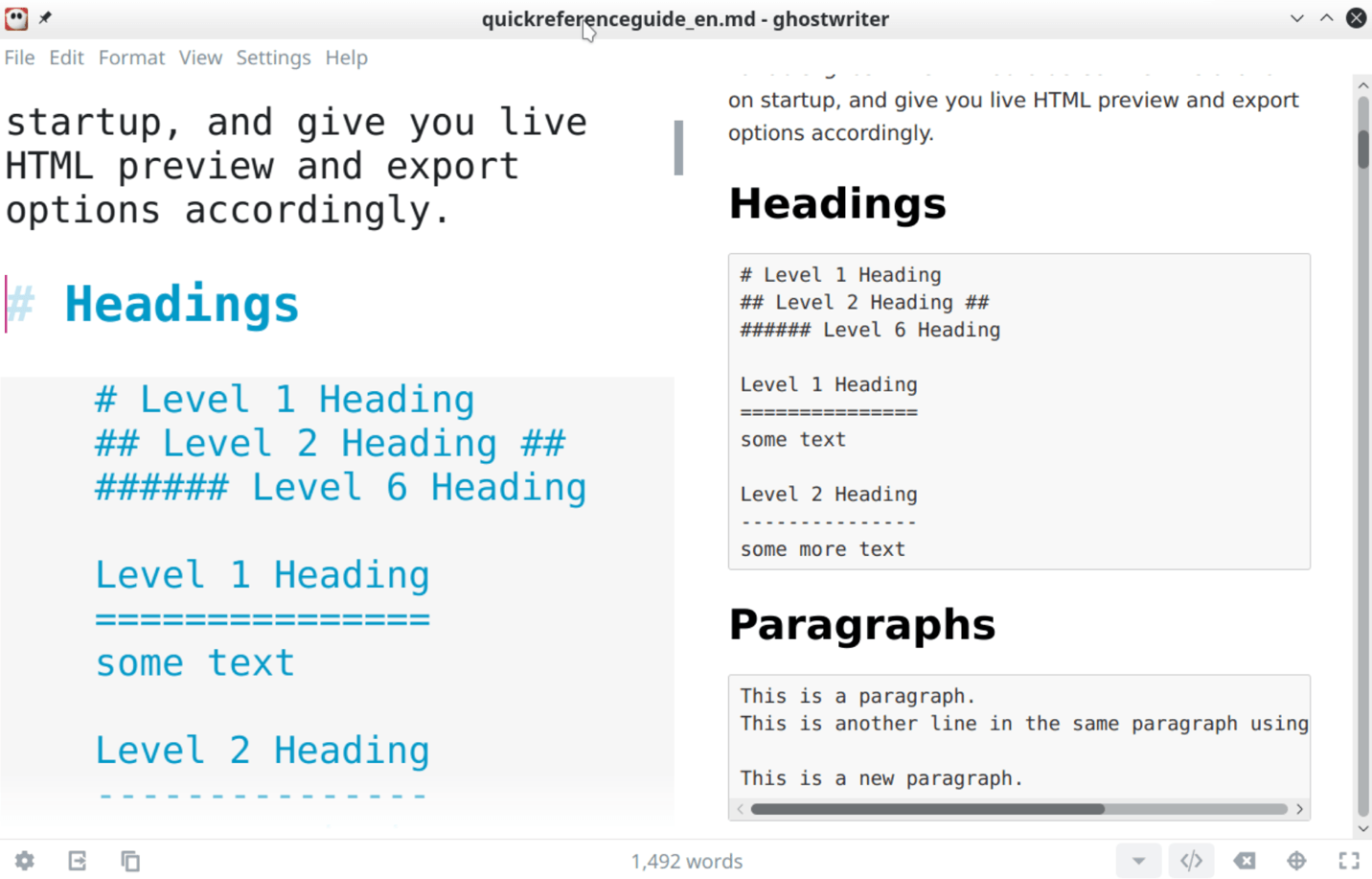
Markdown Editors
For writers who prefer a lightweight and text-based approach, Markdown editors like Typora or Visual Studio Code with Markdown extensions offer a simple yet powerful way to create structured content. Markdown is particularly useful for writing documentation that will be published online.
Snagit
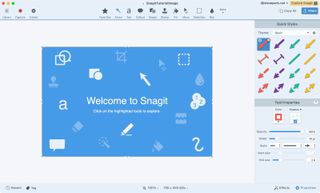
Snagit is a versatile screen capture and recording tool that is invaluable for technical writers. It allows you to capture screenshots, annotate images, and create instructional videos to enhance your documentation with visual aids.
Version Control Systems (e.g., Git)
While not strictly a writing tool, version control systems such as Git are indispensable for managing changes to your documentation over time. Using Git, you can track revisions, collaborate with other team members, and ensure the integrity of your documentation.

Graphic Design Software (e.g., Adobe Illustrator)
For technical writers who need to create intricate diagrams and illustrations, graphic design software like Adobe Illustrator can be invaluable. It allows you to visualize complex concepts and processes in a visually engaging manner.

Conclusion
Investing in the right tools and software can significantly enhance your productivity and the quality of your technical documentation. Whether you prefer traditional word processors or specialized publishing software, choosing the tools that best suit your needs will empower you to create documentation that is informative, accessible, and visually appealing.
Remember to explore different tools and experiment with workflows to find what works best for your writing style and project requirements. Happy documenting!